 Sony, one of the industry leaders in the design and manufacture of car audio products, recently launched their XAV-AX100 Media Receiver with Bluetooth. The XAV-AX100 is Sony’s first head unit with Apple CarPlay and Android Auto. Let’s see what makes this Double-DIN such a major success.
Design and Interface
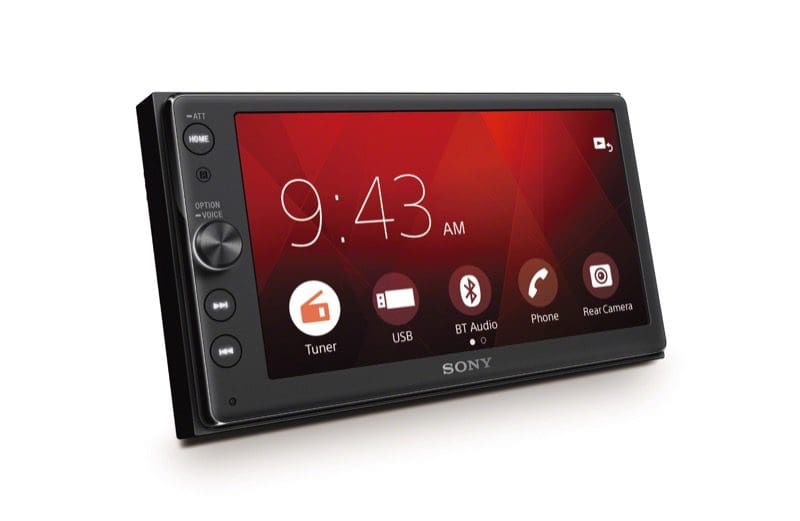
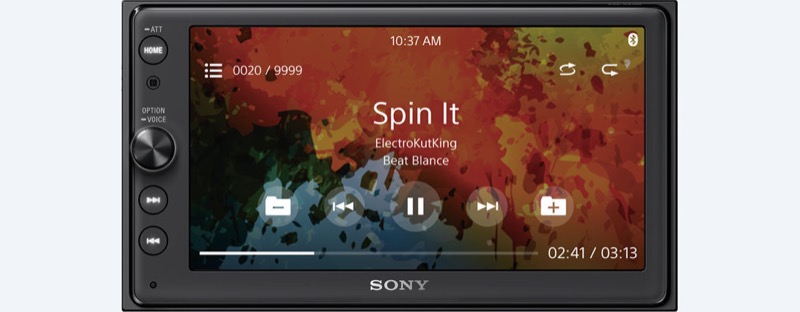
The XAV-AX100 features a double-DIN front panel with a large (6.4-inch) touchscreen. Sony has chosen a premium-quality display for the XAV-AX100 that offers excellent anti-glare properties and bright backlighting. This screen selection has made the XAV-AX100 a popular selection for convertibles and vehicles with bright interiors.
A rotary volume control and mechanical track selection buttons on the left side of the screen provide users with an intuitive interface. Above those controls is a Home button to make menu access equally quick and easy. Sony includes an IR remote control with the unit to let your back-seat passengers have control over the music.
The styling of the XAV-AX100 is simple and understated. There are no flashing lights that make it stand out once installed. It looks like an OEM radio, and that is a feature that some buyers appreciate.
Sony XAV-AX100 Features
 The XAV-AX100 includes an AM/FM radio receiver with RDS support. The rear-mounted USB connection works with both Android and Apple iPhone smartphones, or a memory stick for multimedia files. Supported multimedia formats include MP3, WMA, AAC, WAV and FLAC audio files, as well as MPEG-4, WMV, FLV, AVI and MKV video files. Maximum video file playback resolution is 720×576 pixels. The USB port on the rear of the chassis can supply up to 1.5 amps of current to charge phones quickly.
The XAV-AX100 includes Bluetooth communications for hands-free calling, as well as A2DP audio streaming. The Bluetooth profiles include AVRCP remote control functionality and PBAP phonebook access.
CarPlay and Android Auto
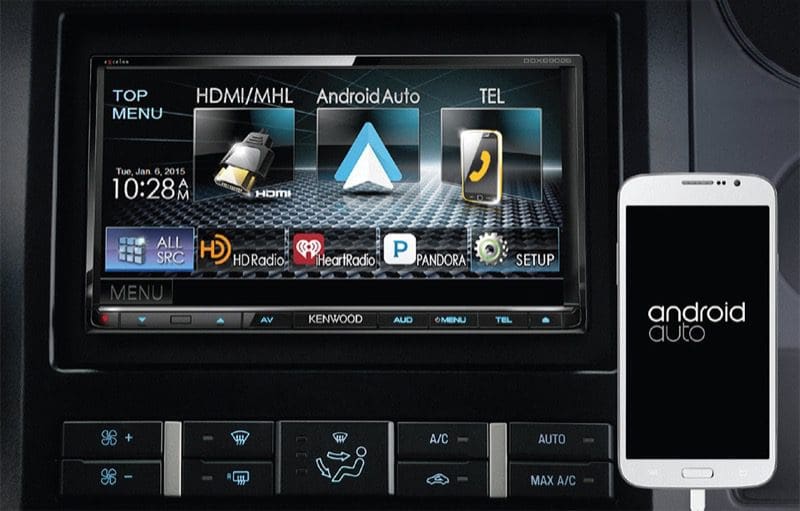
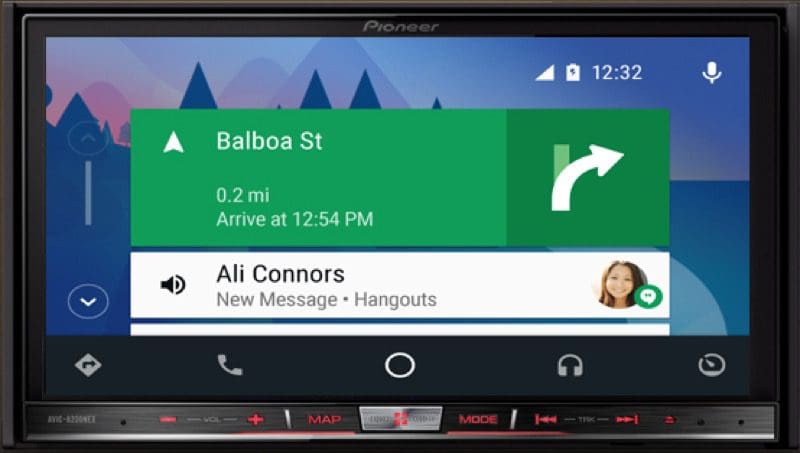
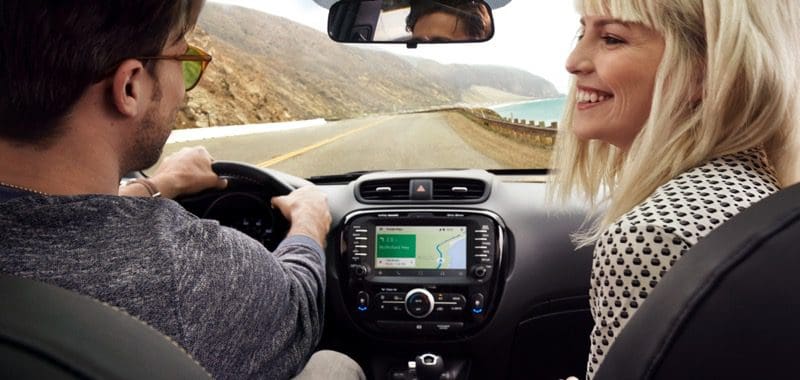
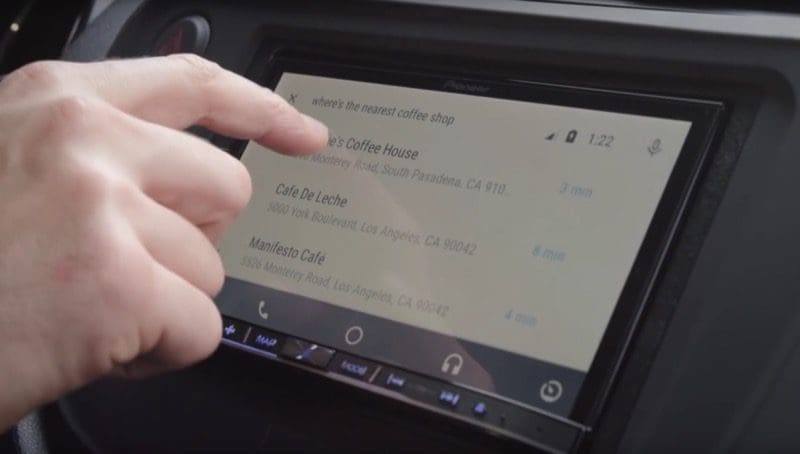
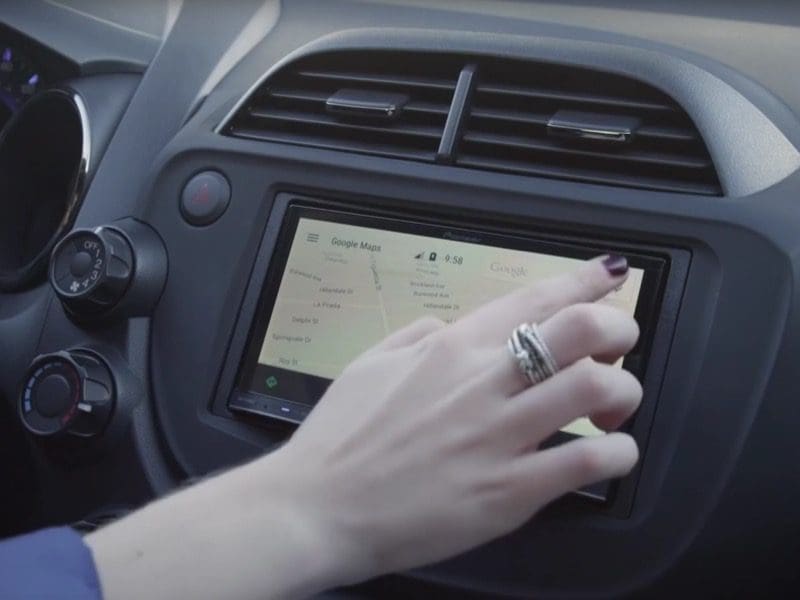
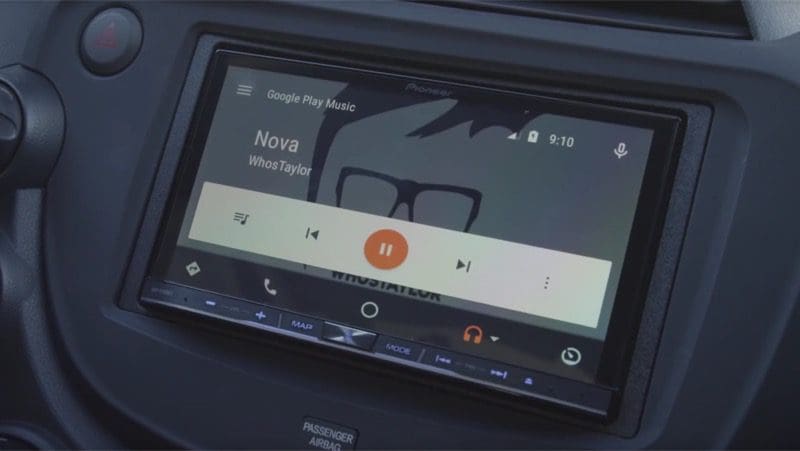
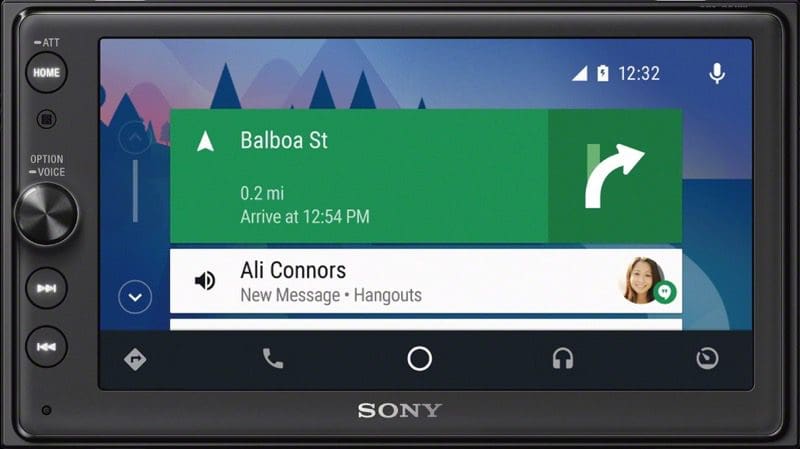
 The highlight of the XAV-AX100 is, of course, its smartphone integration capabilities. Once you connect your phone, accessing information and staying in touch are as easy as saying “Hey, Siri,” “OK, Google,” or pressing a button and talking to the radio. Sending and receiving text messages, making phone calls, or choosing the music you want to enjoy is as simple as asking for it. You can even get turn-by-turn navigation thanks to Apple Maps or Google Maps. Both platforms will provide traffic flow information to help make your time behind the wheel safe and efficient.
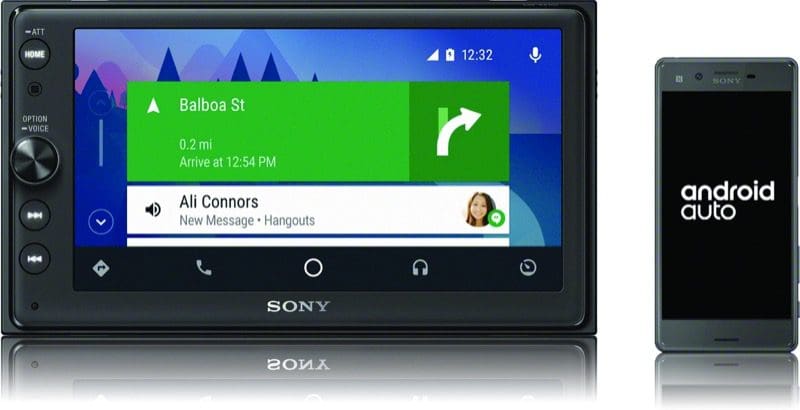 Users can connect their iPhone for Apple CarPlay or Android phone for Android Auto without the need to make any menu or setting adjustments. Owners of the XAV-AX100 who have both iPhone and Android phones appreciate being able to switch between the two quickly and easily
External Connectivity
The XAV-AX100 has a dedicated input for an OEM steering wheel control interface, as well as the new Axxess InfoLink interface. The InfoLink interface allows the XAV-AX100 to integrate with vehicles from Ford, GM, Chrysler, Audi, Mercedes, Volkswagen, Mazda and Toyota. InfoLink supports functions such as steering wheel audio controls, HVAC controls and display, audio signal interfacing, and much more.
The XAV-AX100 is also compatible with the new Sony XA-NV400 add-on navigation module for a seamless interface and directions regardless of cellular connection. If you are traveling across the border, this onboard navigation system can keep you on the right road without incurring roaming charges on your cellphone. The XA-NV400 runs TomTom navigation software, which is easy to learn and use.
Sony has included a backup camera video connection and a trigger wire. As soon as you select reverse, the camera image appears on the screen to make backing up safer and easier.
System Configuration
 The XAV-AX100 has a built-in four-channel amplifier that will provide 20 watts per channel of continuous output and up to 55 watts max per channel. Three sets of RCA output jacks are on the rear of the chassis and assigned to the front, rear and subwoofer functions. The front channels have selectable frequency high-pass filters, and the subwoofer output has low-pass filters. The preamp outputs are rated to provide 2V RMS of signal. Connections for dimming, reverse and the parking brake are also par for the course for your installer.
The XAV-AX100 is the first unit in this new series of source units for Sony. We can expect that new models will appear over the next year with more features. If you are looking for an aggressively priced smartphone integration solution, it is hard to ignore the Sony XAV-AX100. With classic and elegant styling, an easy-to-view screen, and an intuitive interface, it doesn’t have much competition. Visit your local authorized Sony car audio retailer today check out the XAV-AX100 or yourself.
This article is written and produced by the team at www.BestCarAudio.com. Reproduction or use of any kind is prohibited without the express written permission of 1sixty8 media.